
JPG vs PNG vs WEBP: Which Image Format Should You Use?
A comprehensive comparison of JPG, PNG, and WEBP image formats. Learn when to use each format fo...
Read guideTurn a JPG into a lossless PNG for editing, transparency work or a tool that requires PNG. It runs in your browser and nothing is uploaded. One honest note up front: a PNG of a photo is larger than the JPG, not smaller.
Every screenshot below is this exact tool, converting a real 213 KB JPG to PNG.
Drag one JPG or a whole folder onto the box, or click to choose files. It loads instantly and stays on your device.
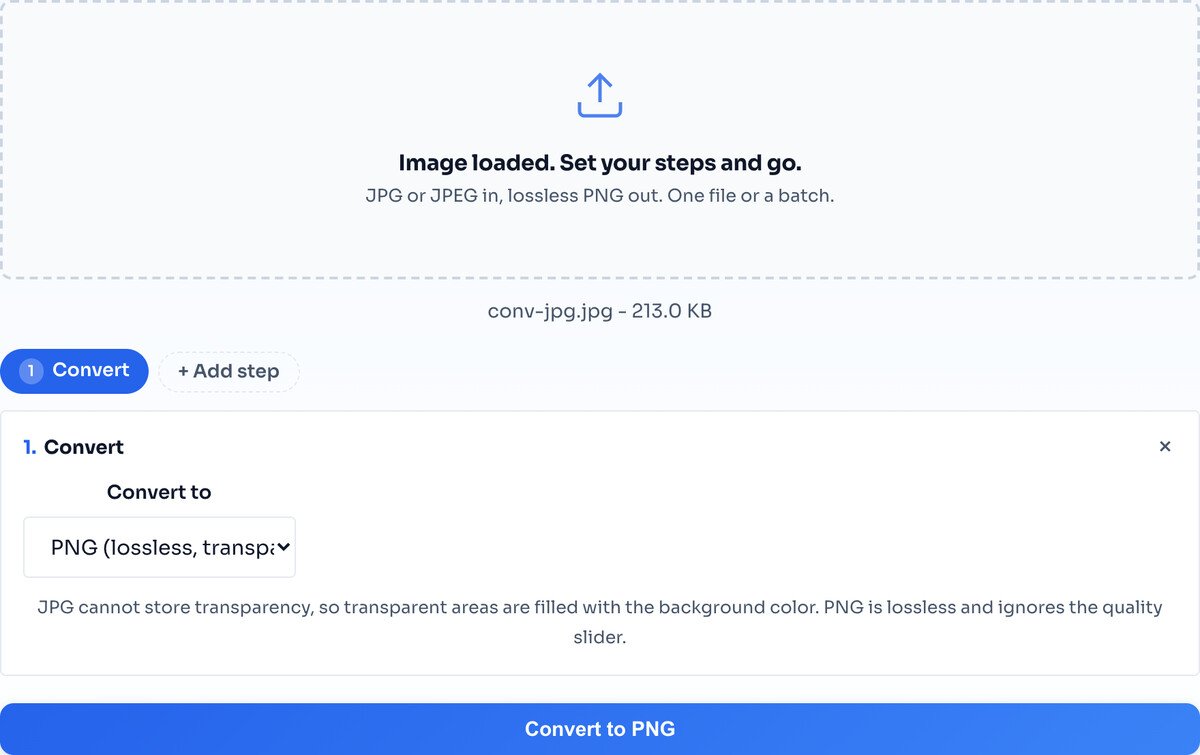
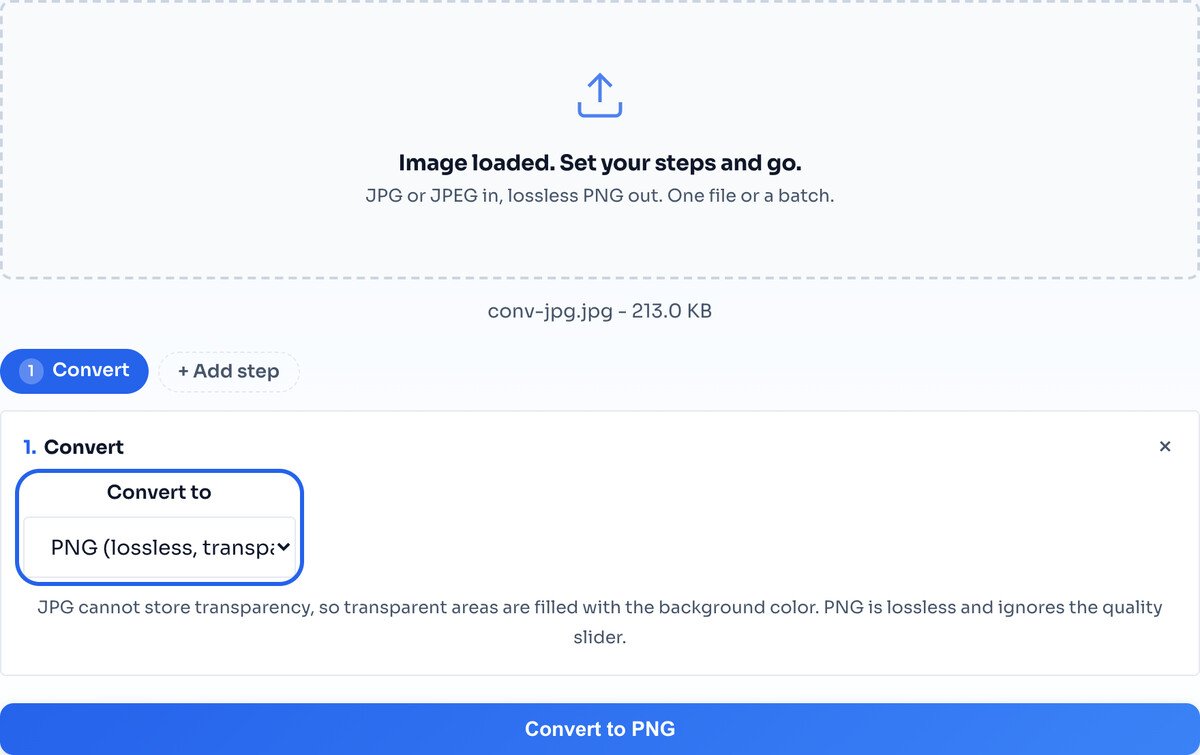
The output is already set to lossless PNG, so there is nothing to configure. PNG has no quality dial, because it keeps every pixel exactly as it is.
Hit Convert and the result row shows the PNG. Notice it is larger than the JPG went in, which is normal and explained just below. Download the single file, or a batch as one ZIP.
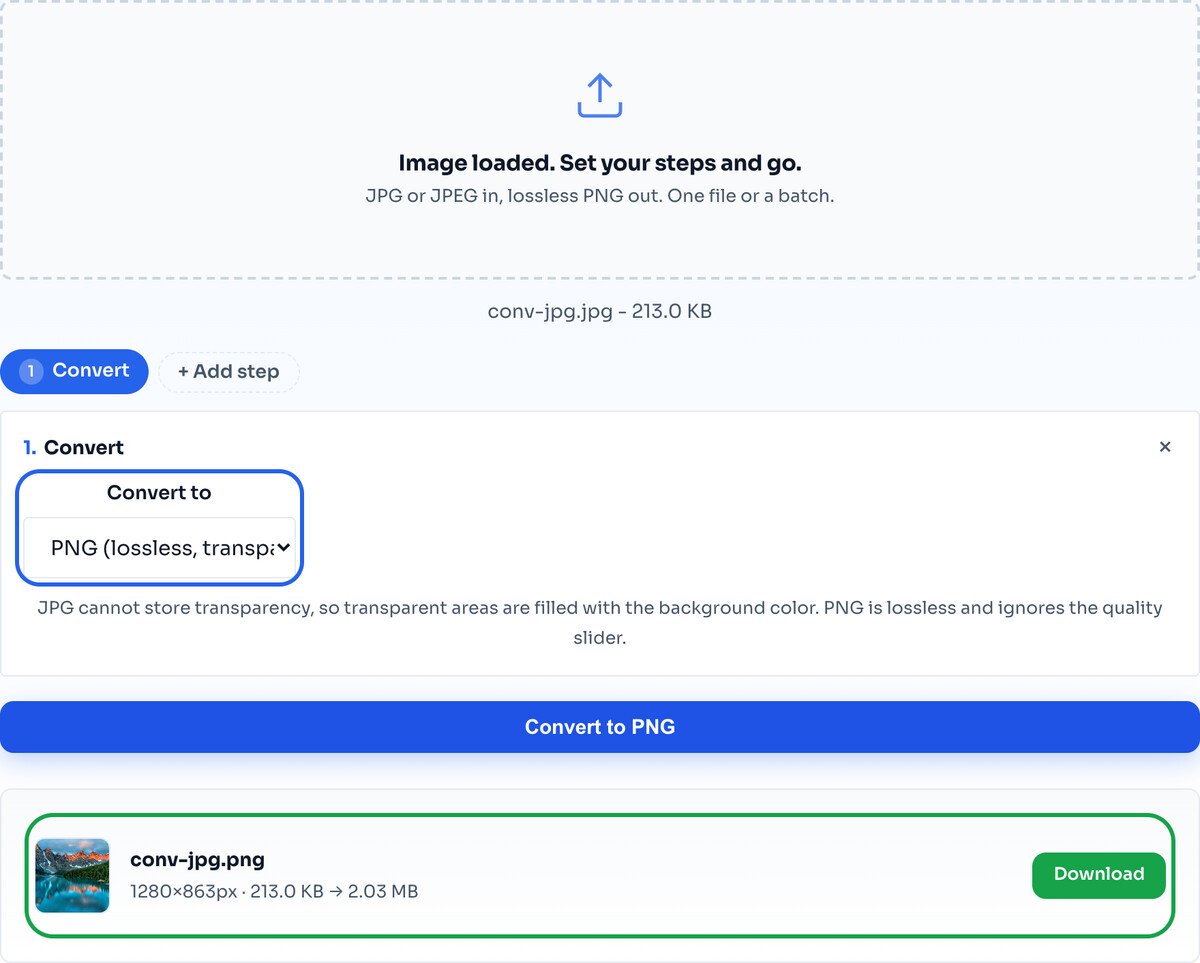
This surprises people, so it is worth being blunt: converting a photo from JPG to PNG makes the file about ten times bigger for an identical looking image. PNG is lossless, which is heavy. You do this for editing or transparency, not to save space or improve quality.
Most people who search for this do not actually need it. If you just want to store or share a photo, the JPG is already the better file: smaller and identical to look at. So before converting, check whether one of these is really true:
If none of those fit, keep the JPG. Converting will only give you a much larger file that looks exactly the same.
A JPG has already discarded detail. Converting to PNG freezes the image as it is, it does not recover anything. The PNG looks identical to the JPG, just larger.
Your photo keeps its solid background. PNG can hold transparency, but making an area see-through is a separate job. Use the Background Remover for that.
For a photograph the PNG is always larger than the JPG. If small size is your goal, this is the wrong direction; keep the JPG or use WEBP.
No, and this is the most common misunderstanding. A JPG has already thrown detail away, and converting to PNG cannot bring it back. The PNG will look exactly like the JPG, just in a lossless container and a much bigger file. PNG protects quality from that point on; it does not restore what was already lost.
Because PNG is lossless: it records every pixel exactly, with none of the compression that makes JPG small. In our test a 213 KB JPG became a 2.03 MB PNG, about ten times larger, for an identical looking image. That is normal and expected for a photograph.
When you need a lossless working copy to edit repeatedly without quality loss piling up, when a tool or upload only accepts PNG, or when you are about to add transparency. For simply storing or sharing a photo, keep the JPG.
Converting to PNG gives you a format that supports transparency, but it does not create any: your photo still has its original solid background. To actually cut the background out, use the Background Remover, which outputs a transparent PNG directly.
No. Every pixel of the JPG is copied exactly into the PNG. The only thing that changes is the file format and the size.
Yes. Drop a whole folder and each is converted with the same settings, then download them individually or as a single ZIP.
No. Conversion runs in your browser through the Canvas API, so your JPG never leaves your device.
The common direction: shrink a heavy PNG photo to JPG.
Open toolCut out a background and get a transparent PNG.
Open toolLossless-quality feel at a much smaller size than PNG.
Open toolAny format in, JPG, PNG or WEBP out.
Open toolShrink a file to an exact target size.
Open toolChange dimensions in the same pass.
Open toolTrim to the exact frame you need.
Open toolStamp a watermark on the PNG once converted.
Open toolA comprehensive comparison of JPG, PNG, and WEBP image formats. Learn when to use each format fo...
Read guidePNG transparency lets you layer images over any background without white boxes or hard edges. Th...
Read guideShould you save screenshots as PNG or JPG? Learn the technical differences and when each format...
Read guideYour photo is 6 MB and the upload limit is 1 MB. Or your website takes seven seconds to load and...
Read guide

