
The Complete Image Size Cheat Sheet for Every Platform (2026)
Every platform wants a slightly different size, and getting it wrong crops your face off or...
Read guideMake a small image bigger with smooth interpolation instead of a blocky stretch. Honest about what it is: it cleans up the enlargement, it does not invent detail an AI would. Runs in your browser.
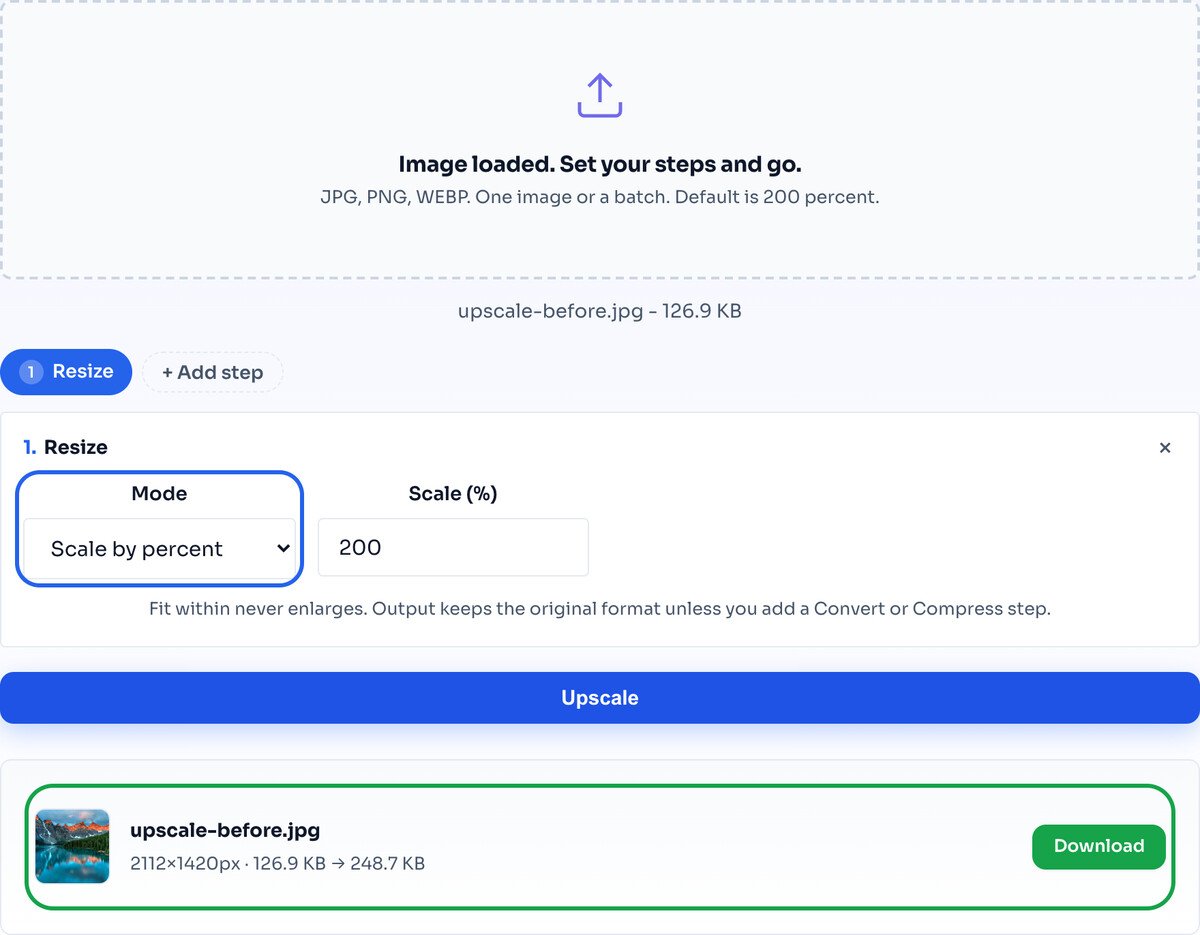
Every screenshot below is this exact tool doubling a real photo from 1056 to 2112 pixels wide.
Drag one photo or a whole folder onto the box, or click to choose files. It loads instantly and stays on your device.
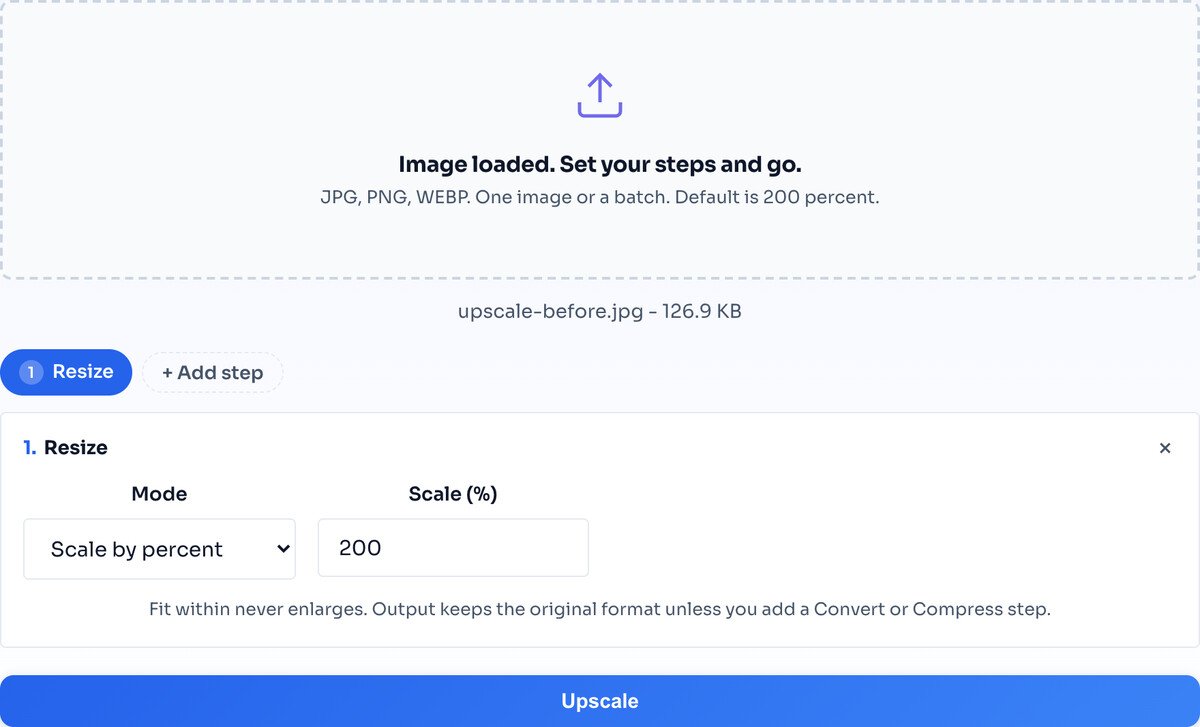
The default is 200 percent, which doubles the width and height and looks best. You can go up to 400 percent, but for a big jump, running 200 percent twice usually gives cleaner edges.
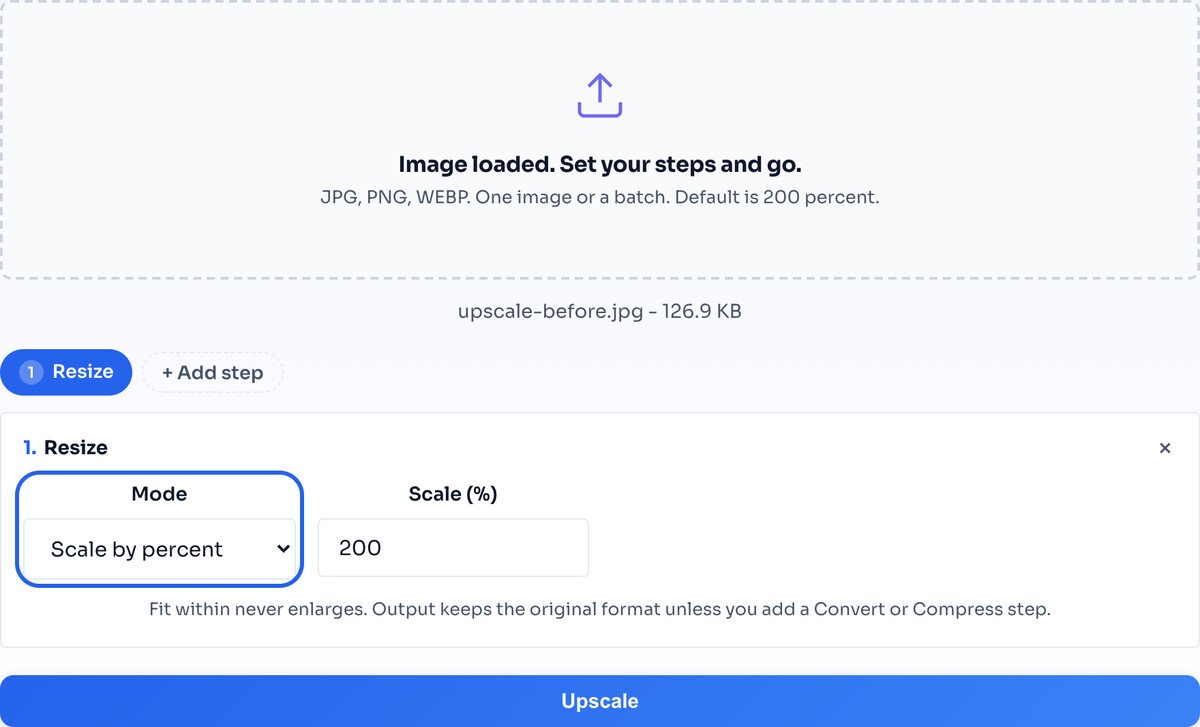
Hit Upscale and the result row shows the new dimensions and file size. Download the single file, or a whole batch as one ZIP.
Enlarging an image means the tool has to fill in pixels that were never captured. It does this with interpolation: it looks at the real pixels around each new one and averages a smooth value between them. That removes the harsh, blocky look of a stretched image and gives you clean, smooth edges.
What it cannot do is invent detail. If a face was too small to show its features in the original, no amount of enlarging will reveal them, because that information was never there. Upscaling makes an image bigger and smoother, not sharper or more detailed.
This is a deliberate choice. AI upscalers guess at plausible detail with a neural network, which is slower, needs an upload, and sometimes fabricates features that were never in the photo. This tool stays honest: it is instant, private, and it never makes anything up.
A blurry or tiny source comes out cleaner and smoother, not magically sharp. The detail that was never captured cannot be brought back, by this tool or any other honest one.
The further you push past 200 percent, the softer the result, because there are more invented pixels between each real one. Two passes of 200 percent usually beat a single 400.
Enlarging multiplies the pixel count fourfold at 200 percent, so a huge photo can exhaust browser memory. If one fails, downscale it slightly first and try again.
It will look smoother and less pixelated, but it cannot bring back detail that was never captured. Enlarging guesses the in-between pixels; it does not add real information. For a genuinely blurry source, expect a cleaner version, not a magically sharp one.
AI upscalers invent plausible detail with a neural network, which is slower, needs an upload, and sometimes fabricates features that were not there. This tool uses fast, honest interpolation in your browser: instant, private, and it never makes things up.
200 percent, the default, is the safe choice and looks best. You can go up to 400 percent, but for a big jump, running 200 percent twice usually gives cleaner edges than a single 400.
There is no fixed cap, but upscaling multiplies the pixel count by four at 200 percent, so a very large source can hit browser memory limits. If a huge photo fails, downscale it slightly first and try again.
No. Upscaling runs in your browser through the Canvas API. Your file never leaves your device.
Going the other way: make an image smaller.
Open toolShrink the file after enlarging.
Open toolCrop to the part worth enlarging first.
Open toolChange format in the same pass.
Open toolIsolate a subject before enlarging it.
Open toolSharpen the mood of the enlarged image.
Open toolCrop a round avatar from the result.
Open toolProtect the enlarged image before sharing.
Open toolEvery platform wants a slightly different size, and getting it wrong crops your face off or...
Read guideIt looked perfectly sharp on your phone, then turned soft or blocky the moment you uploaded it...
Read guideMost image SEO advice is a list of thirty tips with no order to it. This is the sequence that...
Read guideYour photo is 6 MB and the upload limit is 1 MB. Or your website takes seven seconds to load...
Read guideSpeed audits look at pages. Nobody audits the set of images a site actually ships. Here is the...
Read guide


