
Why Is My Image Blurry or Pixelated? The Real Causes and How to Fix Each One
It looked perfectly sharp on your phone, then turned soft or blocky the moment you uploaded it...
Read guideMirror a photo left to right or top to bottom in one click. Fix the mirrored look of a selfie, make a reflection, or face a subject the other way. Works on whole batches, and nothing is uploaded.
Every screenshot below is this exact tool mirroring a real photo.
Drag one photo or a whole folder onto the box, or click to choose files. It loads instantly and stays on your device.
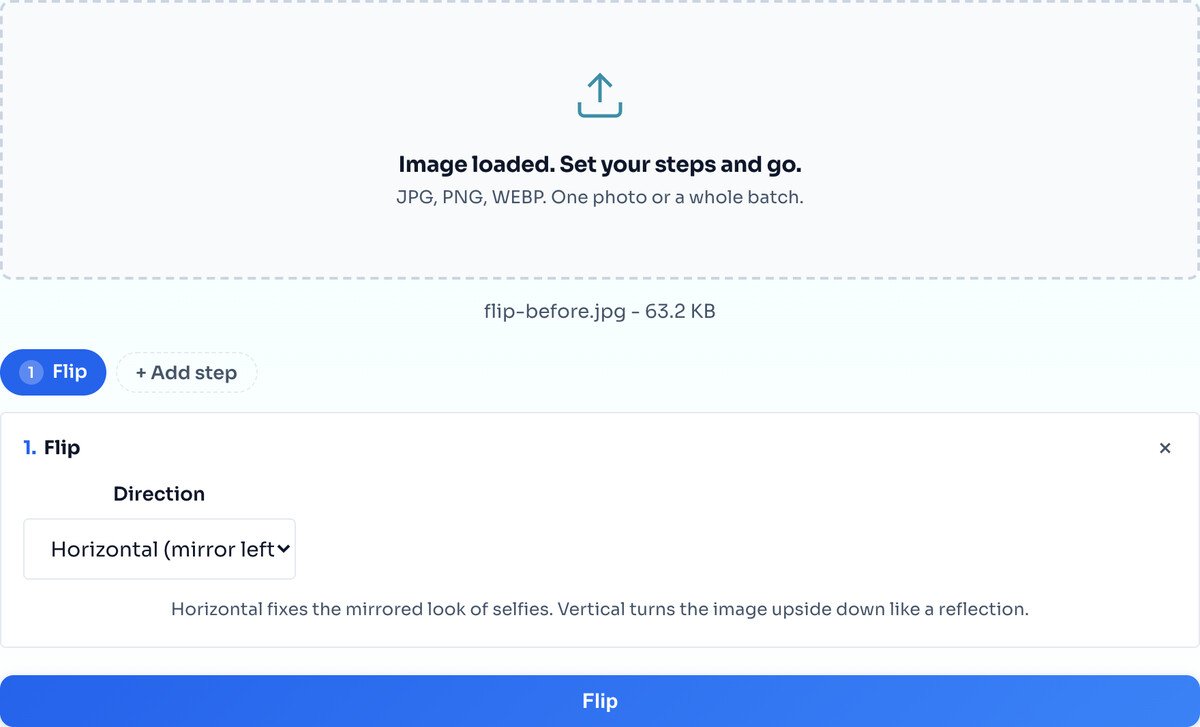
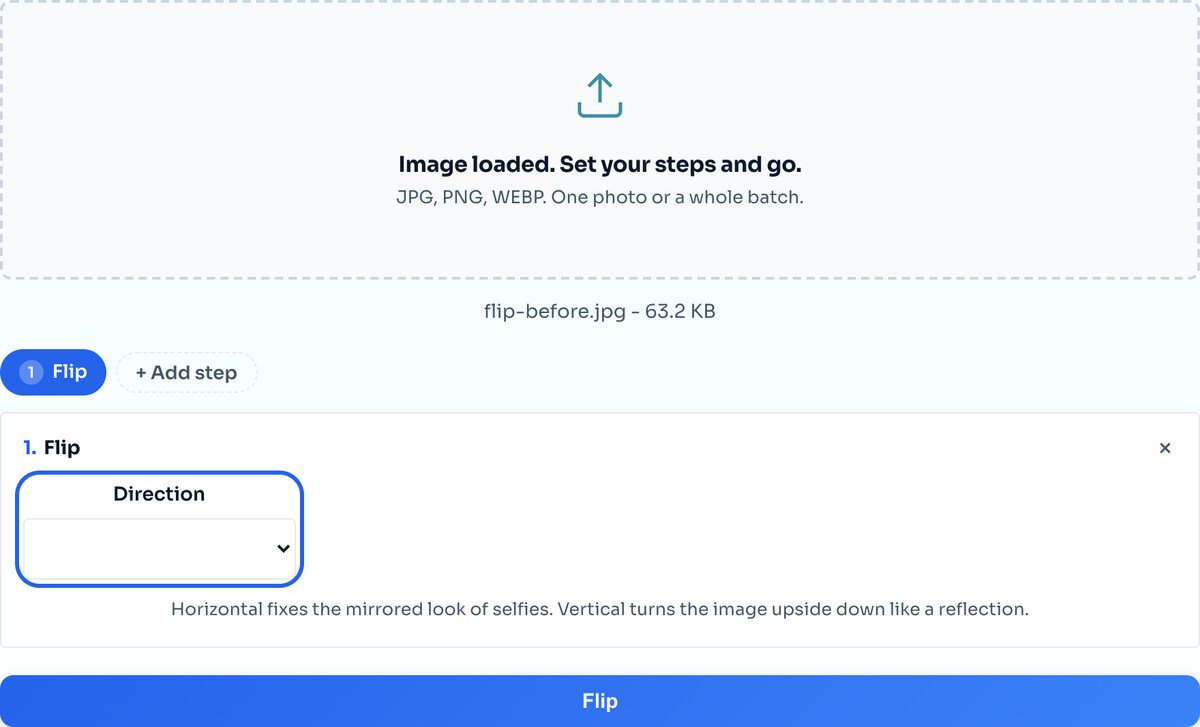
Horizontal mirrors left to right, the selfie mirror everyone knows. Vertical mirrors top to bottom, which reads as an upside-down reflection. Pick the one you want.
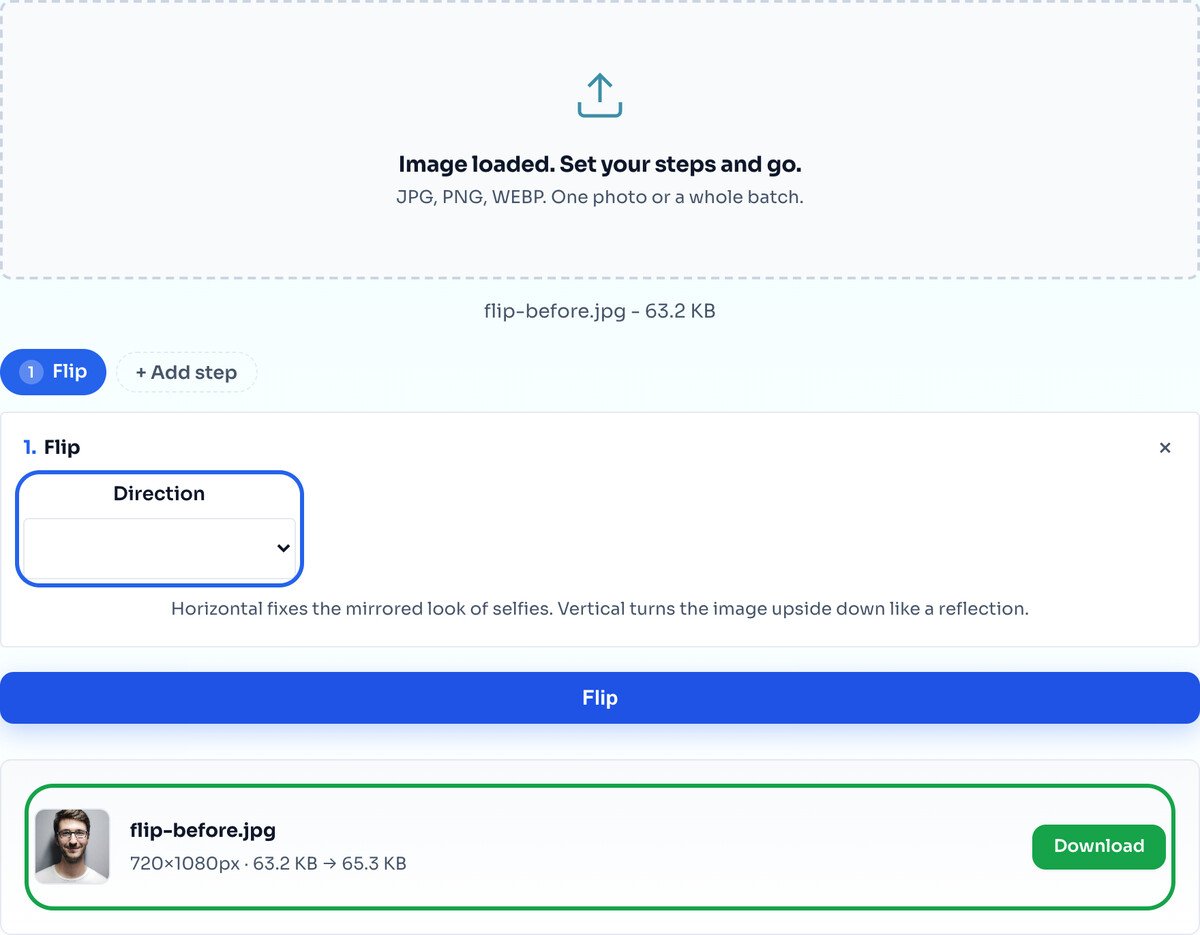
Hit Flip and the result row shows the mirrored image, same dimensions as before. Download the single file, or a whole batch as one ZIP.
Horizontal mirrors the image left to right, swapping the two sides around a vertical center line. This is the one people reach for most: it turns a front-camera selfie back into the mirror view you are used to, and it flips the direction a subject is facing so they look the other way.
Vertical mirrors top to bottom instead, turning the image into an upside-down reflection of itself. It is much less common in everyday use, and the reason is worth knowing. Horizontal flips usually look plausible because the world is roughly symmetrical from left to right, so a mirrored face or landscape still reads as a real photograph. Vertical flips break gravity: shadows fall upwards, faces look wrong immediately, and the result reads as an effect rather than a photo. That makes vertical the right choice when you want it to be obvious, for a water-reflection composite or a deliberately disorienting graphic, and the wrong choice when you are trying to quietly fix an image.
One case where vertical is the practical answer: film and document scans that were fed into the scanner the wrong way up, or images captured through a mirror or prism rig. There the image really is upside down as data, not as artistic choice, and a vertical flip puts it back.
Selfies that look wrong. Your front camera shows you a mirrored preview, because that is how you see yourself in a bathroom mirror every morning. Most phones save the unmirrored version, which is what everybody else sees. That is why your own selfies can look subtly off to you and completely normal to other people. A horizontal flip converts the saved photo back to the version you recognize.
Composition and layout. When a subject is looking or walking out of the frame, flipping turns them back into the layout. Designers do this constantly to make a photo face into a column of text rather than away from it, and it is far quicker than finding a different photo.
Scanned material. Negatives, slides and documents come out of some scanners mirrored. If the text on a scan reads backwards, the scan itself is flipped, and a horizontal flip is the correction. This is the one situation where flipping makes text readable rather than breaking it.
Mockups and reflections. Duplicating an image and flipping the copy is the basis of a reflection effect, a symmetrical pattern, or a mirrored device mockup. Do the flip here, then compose in whatever tool you are using.
Whole shoots at once. If every frame came off the same mirrored rig, the fix is the same fix repeated, which is what the batch mode below is for.
These two get confused constantly, and the tell is what happens to writing. A flip mirrors the image, so text comes out backwards and unreadable. A rotation turns the image around its center, so text stays readable, just sideways or upside down.
The practical test: look at the problem and ask whether the photo is facing the wrong way or oriented the wrong way. A portrait shot that came out of the camera lying on its side is an orientation problem, and the answer is the rotate tool. A photo where the subject faces left and you need them facing right is a direction problem, and the answer is a horizontal flip here.
The two are not exclusive. A vertical flip produces the same pixel arrangement as a horizontal flip plus a 180 degree rotation, which is why an upside-down-looking result sometimes comes from the wrong one of these being applied twice. If you need both operations, add a Rotate step next to the Flip step and they run together on one upload, in the order the chips appear.
Measured by running the two files below through this tool and comparing the output to the source.
The flip itself is a lossless rearrangement. Every pixel moves to a new position and none of them change value. We checked this rather than assuming it: a PNG mirrored here came back with zero pixel differences against the same image mirrored with a reference command-line tool. The mirror is exact.
Saving is a separate step, and that is where the file changes. The result is re-encoded from the canvas, so what you get back is a new file rather than your original bytes rearranged. What that costs depends entirely on the format you put in:
| Input | Size in | Size out | Change | Pixels |
|---|---|---|---|---|
| JPEG photo, 800 × 539 | 164.0 KB | 89.1 KB | 45.7% smaller | Slightly altered by re-compression |
| Same photo as PNG | 653.6 KB | 873.7 KB | 33.7% larger | Identical |
The JPEG shrank because it is re-saved at quality 85, which is lighter compression than the original file happened to use. Visually the difference is very hard to see, but the pixels are not bit-identical any more, and repeating that cycle many times on the same photo will eventually show. The PNG grew because PNG is lossless and the encoder in your browser makes different compression choices than whatever produced the original file. Its pixels are untouched, it just packs them less tightly.
Two practical conclusions. If you are flipping a photo for normal use, none of this matters and the smaller JPEG is a bonus. If you are flipping an image that will be edited further, or that has already been through several save cycles, add a Convert step and choose PNG so the saved file is lossless as well as the mirror.
Two things never change: the pixel dimensions stay exactly as they were, and the format stays as it came in. JPEG in gives JPEG out, PNG gives PNG, WEBP gives WEBP. The exceptions are GIF and SVG, which are saved as PNG because a browser canvas cannot write them back out.
Drop in as many files as you like and every one is mirrored the same way. There is no separate batch mode to switch on, and no cap on the number of files. They are processed one after another rather than all at once, so a large batch of big photos takes a while, and the progress is shown per file as it goes.
Each file keeps its own format through the batch, so a folder holding a mix of JPEGs and PNGs comes out as the same mix rather than being flattened to one format. Download them individually, or take the whole set as a single ZIP.
Because everything runs in your browser, the practical limit is your own machine's memory rather than an upload quota. Nothing is sent anywhere, which is also why a batch of a hundred photos costs no more than a batch of one in terms of privacy.
A mirror turns any writing backwards. If your photo contains a sign, a logo or a license plate you need readable, flipping will make it unreadable. That is what mirroring does, not a fault. The one exception is a scan that was already mirrored, where flipping puts the text the right way round.
Flipping mirrors the image; it does not turn it. If a photo is sideways or upside down, you want the Rotate tool, which keeps text readable.
The mirror applies to the whole frame. Flipping one object inside a photo while leaving the background alone is a selection and compositing job, which needs a layer-based editor rather than a single-purpose tool.
The image is redrawn on a canvas, and that drops the camera data, timestamps and any GPS coordinates that were attached. For a flip that is usually welcome, but if you need the metadata kept, flip a copy and keep the original.
Flipping creates a mirror image: left becomes right (horizontal) or top becomes bottom (vertical). Rotating turns the image around its center in 90 degree steps. Text flipped horizontally becomes reversed and unreadable; text rotated 90 degrees stays readable, just sideways.
Front cameras show a mirrored preview so you see yourself as in a mirror. The saved photo is the non-mirrored version, which can look unfamiliar. A horizontal flip converts it back to the mirrored look you are used to.
Yes. Drop in a whole batch and every photo is mirrored the same way, then download them individually or all together as a ZIP.
The mirror itself is exact: a PNG flipped here came back with zero pixel differences against a reference. What changes is the save. The result is re-encoded, so a JPEG comes out slightly re-compressed at quality 85, which in our test took a 164 KB photo to 89 KB with no visible difference. If you need a bit-identical save, add a Convert step and choose PNG.
It depends on the format. In our measured test the same photo went from 164 KB to 89 KB as a JPEG, because it was re-saved at a lighter compression than the original used, and from 653.6 KB to 873.7 KB as a PNG, because the browser encoder packs lossless data less tightly than the tool that made the original. Neither change affects the pixel dimensions.
Yes. The image is redrawn on a canvas to mirror it, and that drops the camera model, timestamps and any GPS coordinates the file was carrying. If you need that metadata kept, flip a copy and keep the original file.
No. All processing happens in your browser using the Canvas API. Your images never leave your device.
Yes. Add a Rotate step next to the Flip step and both run together on one upload, in the order of the chips.
Turn a sideways photo upright, text stays readable.
Open toolCut to a shape after mirroring.
Open toolChange the dimensions once the photo is right.
Open toolShrink the file after flipping.
Open toolChange format in the same pass.
Open toolCrop a mirrored selfie into a round avatar.
Open toolStamp a watermark once the photo is set.
Open toolAdjust the mood of the photo after flipping.
Open toolIt looked perfectly sharp on your phone, then turned soft or blocky the moment you uploaded it...
Read guideYour photo is 6 MB and the upload limit is 1 MB. Or your website takes seven seconds to load...
Read guideMost image SEO advice is a list of thirty tips with no order to it. This is the sequence that...
Read guideEvery platform wants a slightly different size, and getting it wrong crops your face off or...
Read guide

