
Why Is My Image Blurry or Pixelated? The Real Causes and How to Fix Each One
It looked perfectly sharp on your phone, then turned soft or blocky the moment you uploaded it...
Read guideTurn a sideways or upside-down photo the right way up, in 90 degree steps. It rotates the real pixels, not just an EXIF tag, so the fix sticks everywhere. Works on whole batches, and you can chain a convert or compress step in the same pass.
Every screenshot below is this exact tool turning a sideways photo upright.
Drag one photo or a whole folder onto the box, or click to choose files. It loads instantly and stays on your device.
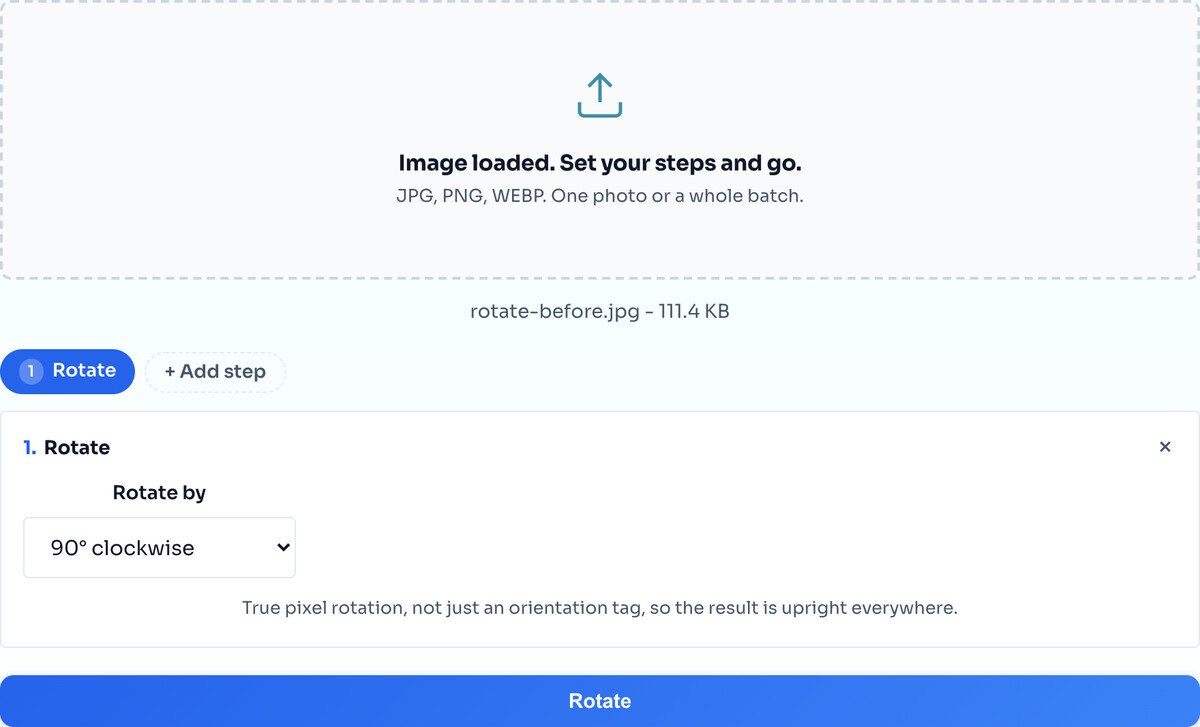
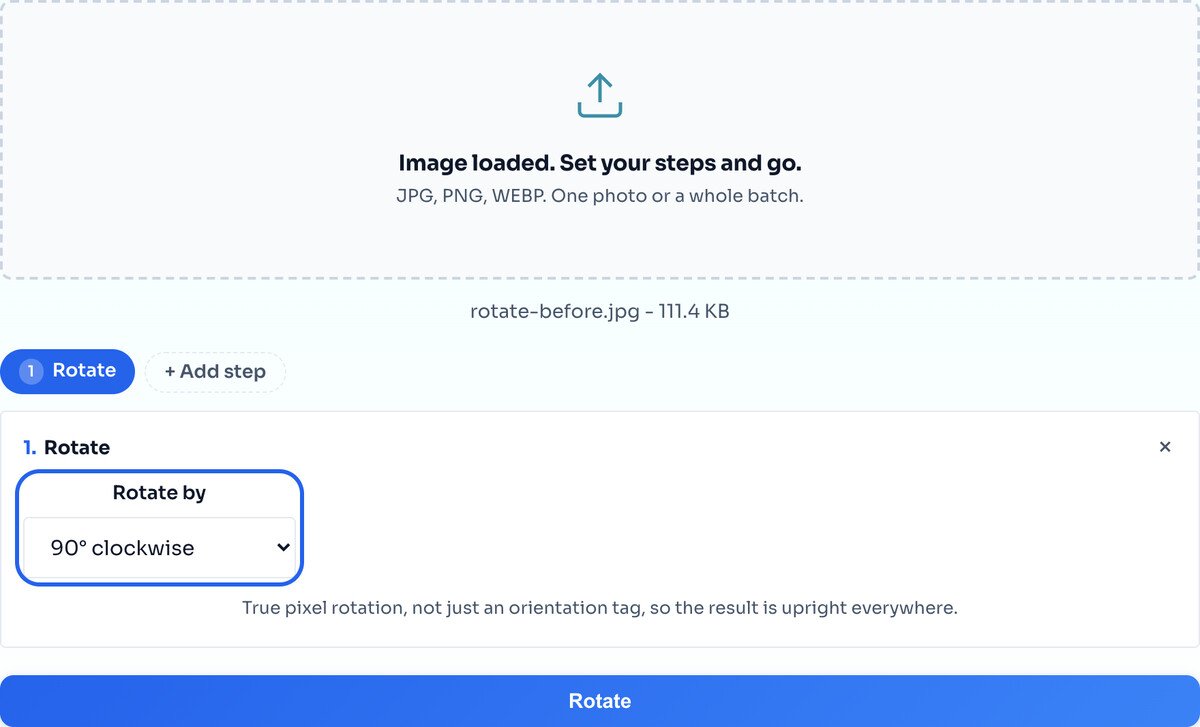
Choose 90, 180 or 270 degrees. Ninety degrees fixes a photo lying on its side; one-eighty flips an upside-down shot the right way up. Keep adding turns until it looks right.
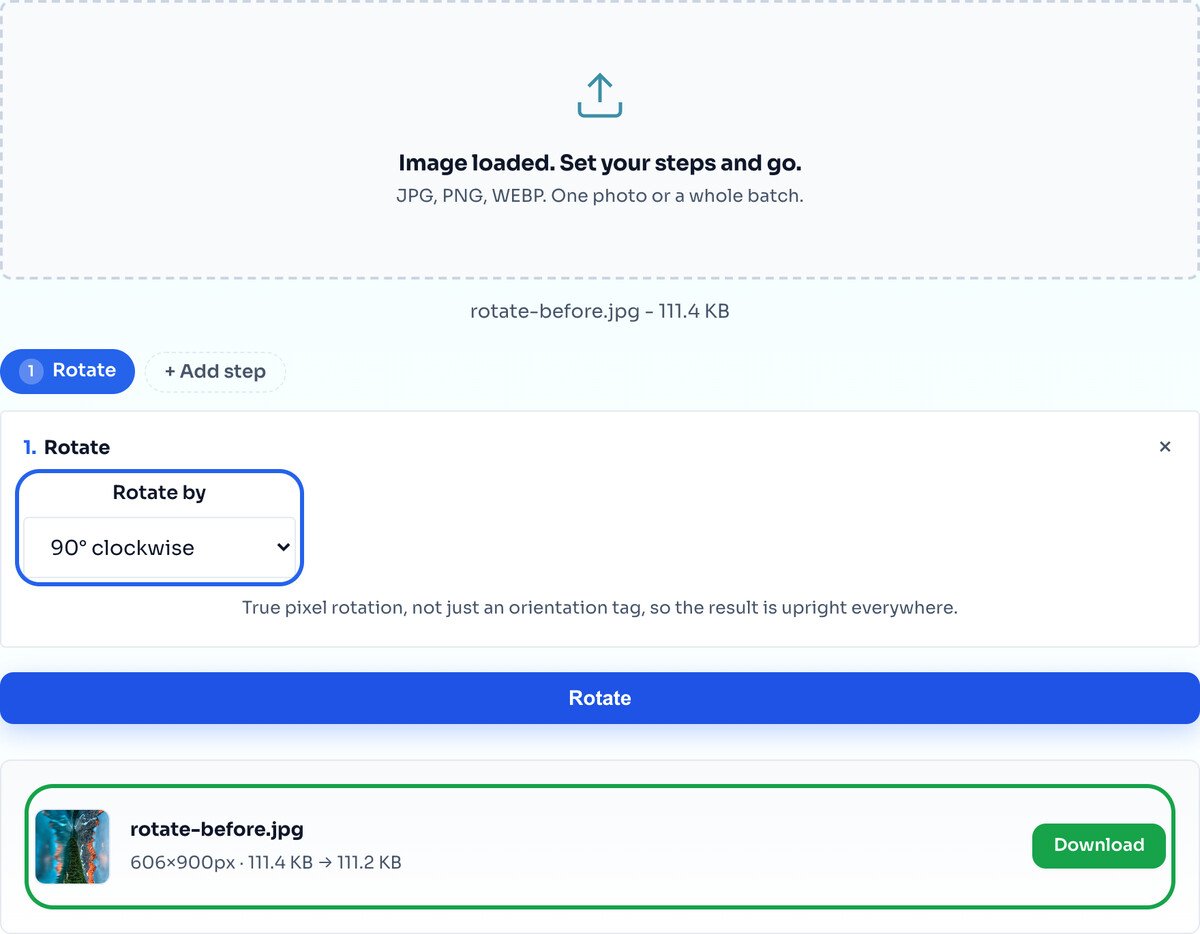
Hit Rotate and the result row shows the turned image with its new dimensions. Download the single file, or a whole batch as one ZIP. The width and height swap on a 90 degree turn, which is expected.
It is almost never the camera getting it wrong. When you turn your phone to take a photo, the sensor still captures the pixels in its own fixed orientation, then writes a small EXIF orientation tag that says how the image should be displayed.
Modern apps read that tag and rotate the photo for you on screen. Older software, some upload forms, and certain websites ignore it and show the raw sideways pixels. That is why the same photo looks upright in your gallery but sideways somewhere else.
This tool fixes it permanently by rotating the actual pixels, not just the tag. Once the pixels themselves are the right way up, the photo looks correct everywhere, no matter what reads it.
It does 90, 180 and 270 degrees, the turns that fix orientation. To straighten a slightly tilted photo, say a wonky horizon, crop it at an angle with the Image Crop tool instead.
Rotation keeps text readable. If you want a mirror image, that is flipping, a different operation. Use the Flip Image tool, or add a Flip step here.
Turn a landscape photo 90 degrees and it becomes portrait. That is not a bug, it is what rotation means. The result row shows the new dimensions so there are no surprises.
Phones often save a photo upright in pixels but record the intended rotation in an EXIF orientation tag. Software that ignores that tag shows the raw, sideways pixels. This tool rotates the actual pixels, so the image looks correct everywhere afterwards, tag or no tag.
Yes. Drop in a whole batch and every photo is rotated the same way, then download them one by one or all together as a ZIP.
A 90 degree turn just moves whole pixels around, so nothing visible is lost. The output keeps your original format; if you want a guaranteed lossless file, add a Convert step and pick PNG.
Not with this tool. It does the 90, 180 and 270 degree steps that fix orientation. To straighten a photo that is slightly tilted, crop it at an angle instead.
Rotating turns the whole image around its centre and keeps text readable. Flipping mirrors it, which reverses text. If you want a mirror, use the Flip Image tool, or add a Flip step right here.
No. Rotation runs in your browser through the Canvas API. Your file never leaves your device.
Mirror a photo horizontally or vertically instead.
Open toolStraighten a tilted horizon or cut to a shape.
Open toolChange the dimensions once the orientation is right.
Open toolShrink the file after fixing it.
Open toolChange format in the same pass as the turn.
Open toolSee the orientation tag and other hidden data.
Open toolConvert iPhone photos before rotating them.
Open toolStamp a watermark once the photo is upright.
Open toolIt looked perfectly sharp on your phone, then turned soft or blocky the moment you uploaded it...
Read guideEvery photo contains hidden metadata. Learn what EXIF data is, what it reveals, why GPS...
Read guideMost image SEO advice is a list of thirty tips with no order to it. This is the sequence that...
Read guideYour photo is 6 MB and the upload limit is 1 MB. Or your website takes seven seconds to load...
Read guide

